


Top Tools You Need to Digitize Embroidery Files Like a Pro
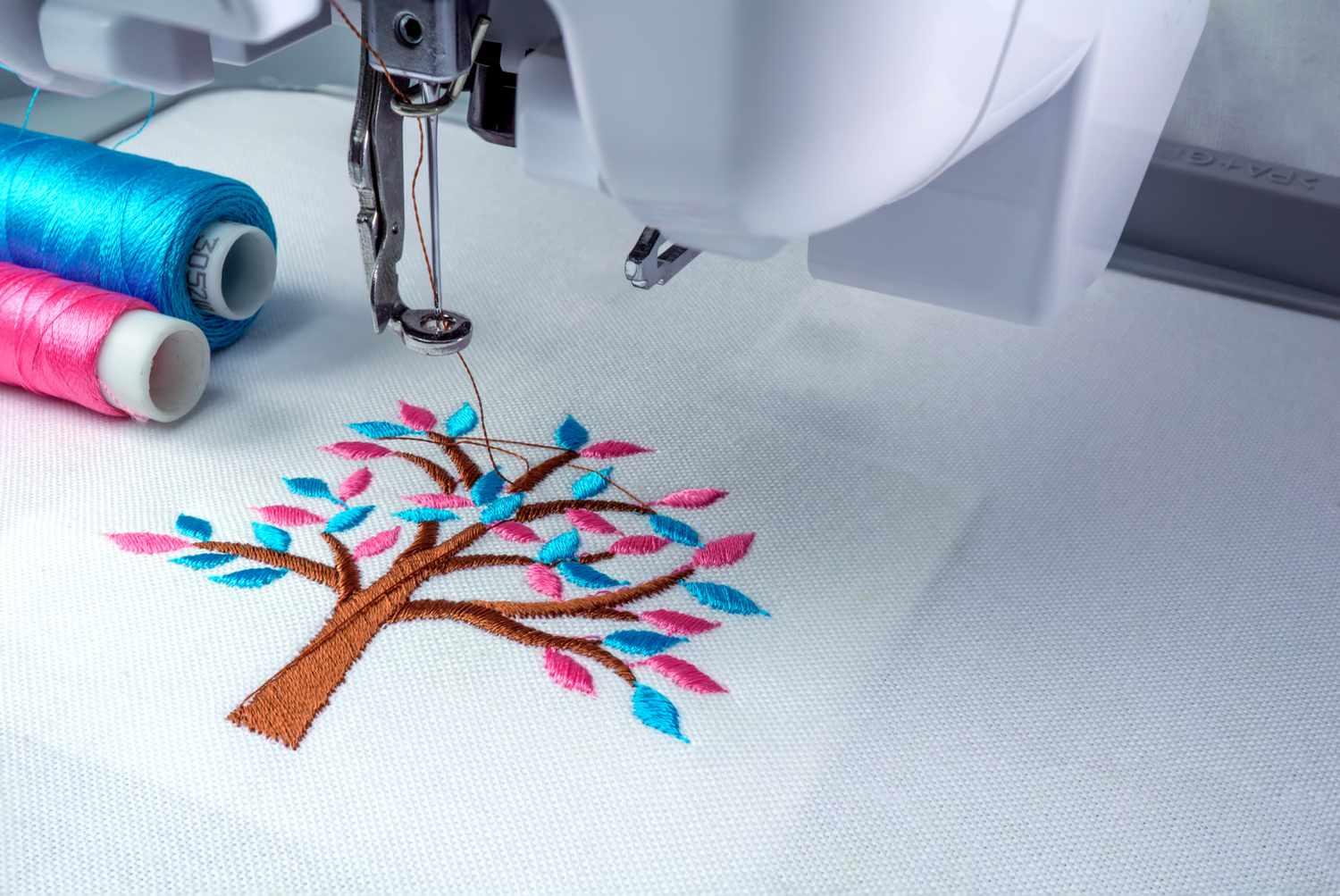
You’ve seen those jaw-dropping embroidered jackets and perfectly stitched logos that look almost painted on. Want to know the secret? It’s not a $20,000 machine or magic thread—it’s having the right tools for digitizing files for embroidery. With the perfect software and a few smart extras, anyone can go from “nice try” to “holy cow, that’s boutique quality.” Here’s the exact toolkit the pros swear by (and the ones actually worth your money).
The Big Three: Software That Actually Delivers
Wilcom EmbroideryStudio / Hatch
The undisputed king. If embroidery digitizing were a sport, this would be the Olympic stadium.
True manual control over every stitch angle and type
Amazing auto-digitizing that doesn’t suck
Best pull compensation and underlay engine
Industry standard for commercial shops
Pricey? Yes. Worth it for serious work? Absolutely.
Embrilliance StitchArtist
The people’s champion.
Super intuitive (you’ll actually understand it in a weekend)
Levels system: buy only what you need (start at $169)
Add-on modules for specialty work (applique, PXF, monograms)
Huge active Facebook community sharing tips
Perfect for small businesses and ambitious hobbyists.
PE-Design 11 / Brother BES
Brother’s official suite (and the commercial BES version).
Native support for PR machines and PXF files
Great appliqué and camera positioning tools
Comes with most high-end Brother purchases
If you own a PR-series, you already have access—use it.
Free & Budget Tools That Don’t Suck
Ink/Stitch (free Inkscape extension)
Completely free and surprisingly powerful
Great for learning stitch types and pathing
Huge community, tons of tutorials
Exports almost every format
Start here if you’re testing the waters.
SewArt ($75)
Best bang-for-buck auto digitizer
Handles photos better than most expensive programs
Simple, clean interface
Many pros use it for quick client proofs.
Must-Have Hardware & Accessories
A Decent Computer
At least 16 GB RAM and a fast SSD
Big monitor (27" +) — you’ll thank me when editing tiny text
Graphics tablet (Wacom or Huion) for natural drawing feel
USB Drives & Cloud Backup
Keep multiple copies of every file
Name them clearly: ClientName_LeftChest_v2_FINAL.exp
Real Thread Color Charts
Screen colors lie. Physical Madeira, Isacord, or Robison-Anton charts are gold.
Test Fabric Swatches
Stitch on the actual garment material every time. Cotton, fleece, and performance wear behave totally differently.
Learning Resources That Actually Teach
YouTube Channels Worth Subscribing
ErichCampbell, John Deer, Lindee Goodall — real pros sharing real techniques.
Facebook Groups
“Embroidery Digitizing Masters” and “StitchArtist Users” — ask anything, get answers in minutes.
Online Courses
StitchArtist Academy
Wilcom’s official training
Hatch Academy monthly challenges
Invest 20 hours learning and you’ll save hundreds in bad files.
Pro Workflow That Saves Your Sanity
Clean artwork first (remove.bg + Vector Magic if needed)
Choose software based on project complexity
Always start with auto-digitize as a rough draft
Manually clean up 90 % of it (yes, really)
Test stitch on real fabric before sending to client
Save working file + exported file + thread chart
Skip any step and you’re gambling.
Red Flags in Digitizing Tools
“One-click” promises with no manual control
No underlay or pull compensation settings
Exports only one format
No community or support
If it feels too easy, it probably is.
Green Flags – Tools the Pros Actually Use
Active user communities
Regular updates
Real customer support
Sample files and tutorials included
Works with your machine’s native format
The Real Cost Breakdown
Free route (Ink/Stitch) → time investment
Mid-range (Embrilliance + modules) → $400–800 total
Pro level (Wilcom/Hatch) → $2,000–6,000
ROI: one year of professional work
Every pro started somewhere. Most began with Embrilliance and graduated up.
Your Next Steps
Download Ink/Stitch today (free, no excuses)
Watch 3 ErichCampbell videos this weekend
Digitize one simple logo and test stitch it
Join a Facebook group and ask questions
Upgrade tools as your skills (and income) grow
The tools don’t make the digitizer—practice and passion do. But the right tools make the journey a million times smoother.
You don’t need every program on day one. Start with one that matches your budget and machine, learn it inside out, and watch your embroidery go from “cute” to “clients crying happy tears.”
Your machine is ready. The software is waiting. Your first perfect file is just a few clicks away.
Gesponsert
Gesponsert
Kategorien
- AI
- Design
- Fashion and Art
- Investment and Finance
- Top 10
- Christianity
- Climate and Enviroment
- Writing and Film
- Fitness
- Food
- Spiele
- Gardening
- Health
- Home and Interiors
- Marketing and Sales
- Music
- Making Money Online
- Others
- Books
- Religion
- Ecommerce
- Sports
- Cars
- Wellness
- Tech Gadgets
- Veranstaltungen
- Governments and Nations
- Science and Engineering
- Real Estate
- Travel, Tourism and Hospitality
- Ausbildung
- Startups
- Beauty and Cosmetics
- Agriculture
- Computer Operating Systems
- Crypto
- Politics and News
- Video Review
- Immigration
Mehr lesen
"Detailed Analysis of Executive Summary Forestry and Logging Market Size and Share The global forestry and logging market size was valued at USD 342.54 billion in 2024 and is expected to reach USD 634.02 billion by 2032, at a CAGR of 8% during the forecast period When market research report is brilliant and precise, it proves to be a backbone...

Global iron-deficiency anemia therapy market size was valued at USD 5.35 billion in 2024 and is projected to reach USD 11.46 billion by 2032, with a CAGR of 10.0% during the forecast period of 2025 to 2032. The global business landscape is undergoing a transformation, with industries increasingly leaning on deep research and actionable insights to make strategic decisions. One segment seeing...
According to a new report from Intel Market Research, the global Biobanking market was valued at US$ 3060 million in 2024 and is projected to reach US$ 5007 million by 2032, growing at a robust CAGR of 7.5% during the forecast period (2025–2032). This growth is propelled by the expanding field of personalized medicine, the continuous need for advanced drug discovery, and the increasing...
Executive Summary Cerebral Autosomal Dominant Arteriopathy with Subcortical Infarcts and Leukoencephalopathy (CADASIL) Treatment Market Size and Share Forecast CAGR Value: The global cerebral autosomal dominant arteriopathy with subcortical infarcts and leukoencephalopathy (CADASIL) treatment market size was valued at USD 3.02 billion in 2024 and is expected to...
According to a new report published by Introspective Market Research, titled, Biosensors Market by Product Type, Technology, and Application, The Global Biosensors Market Size Was Valued at USD 28.22 Billion in 2023 and is Projected to Reach USD 56.88 Billion by 2032, Growing at a CAGR of 8.10%. Introduction / Market Overview The Biosensors Market is witnessing rapid expansion driven...